Real-Time Team Chat
UniTrack includes a built-in messaging system so your entire team can communicate instantly without switching to external apps. It supports Direct Messages (1-on-1) and Group Chats, all with real-time delivery so messages appear instantly without refreshing the page.
1. The Chat Interface & Navigation
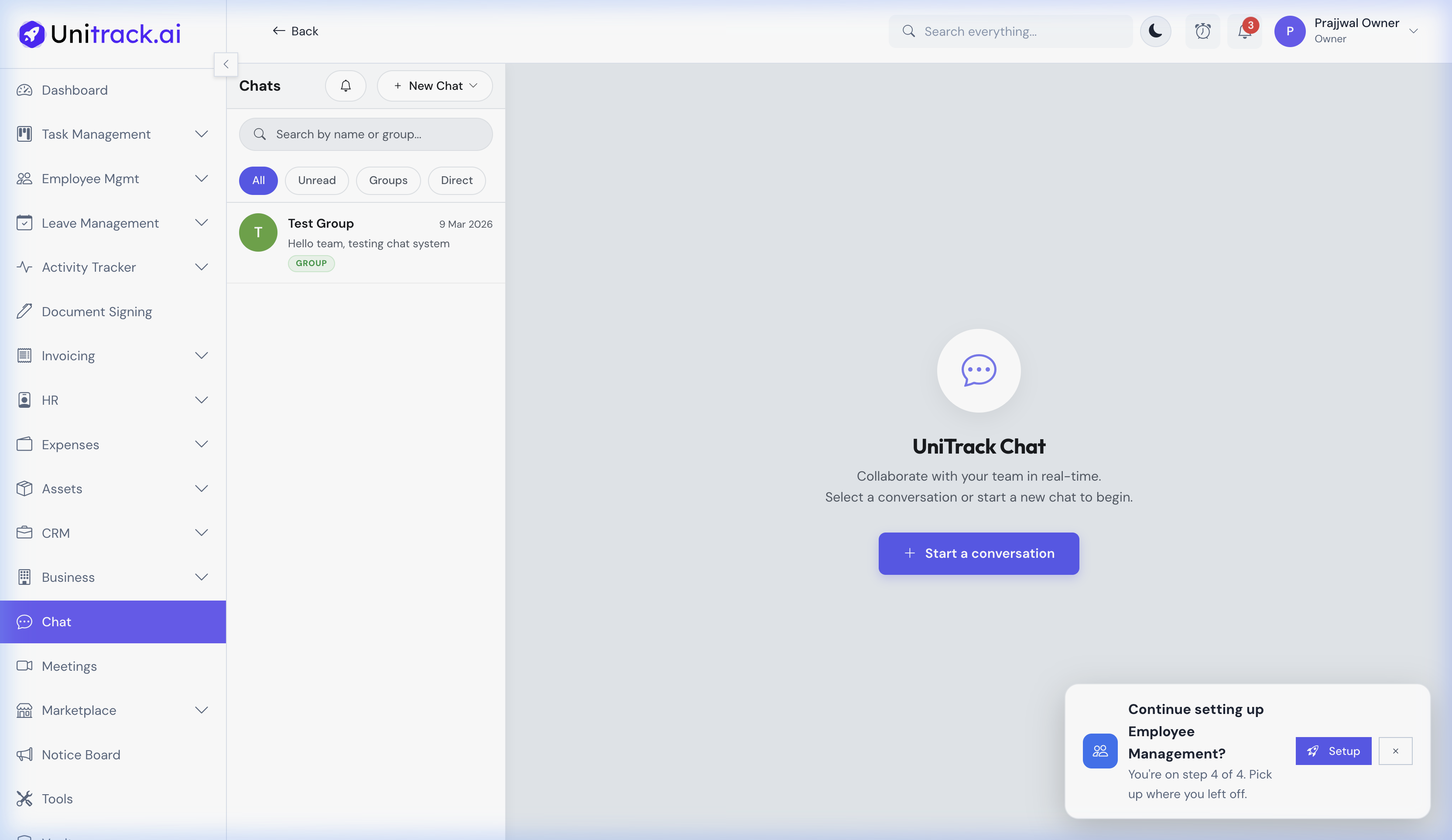
Easily manage your conversations with smart filtering.
- 1Smart Filtering
The sidebar provides quick-filters to easily navigate through your conversations: All, Unread, Groups, and Direct. This helps you focus on what needs your immediate attention.
- 2Global Search
Use the search bar at the top of the conversation list to quickly find specific colleagues or groups across your entire organization.
2. Conversation Threads
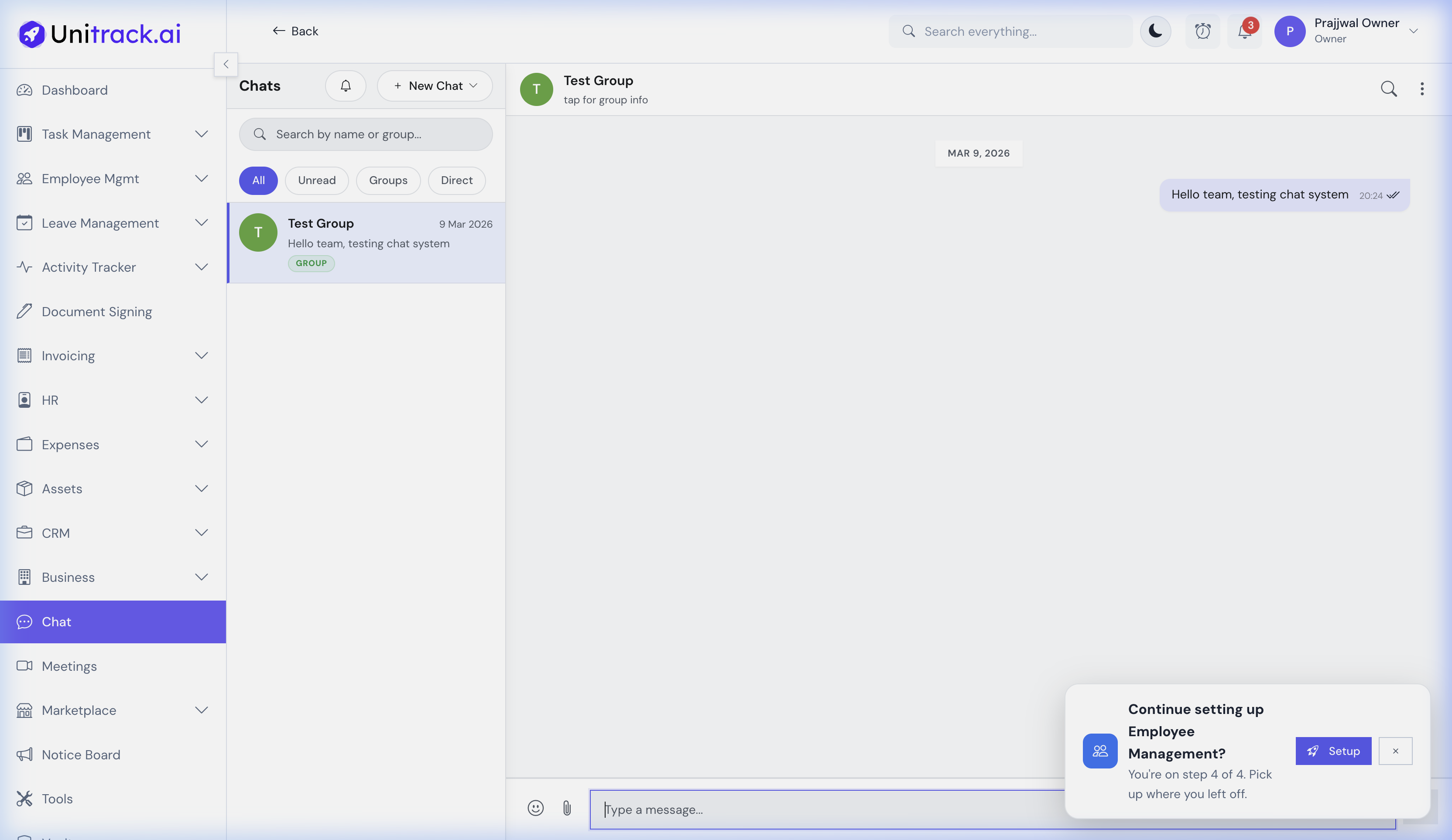
Collaborate in real-time with rich messaging features.
- 1Real-time Interaction
Messages are delivered instantly. The interface displays high-fidelity timestamps and visual read receipts (checkmarks), so you always know when your message has been received and opened.
- 2Rich Media & Attachments
Click the paperclip icon in the message input area to share files, documents, or images directly within the chat. Integrated emoji support also helps convey tone and quickly acknowledge messages.
3. Creating Groups & Direct Messages
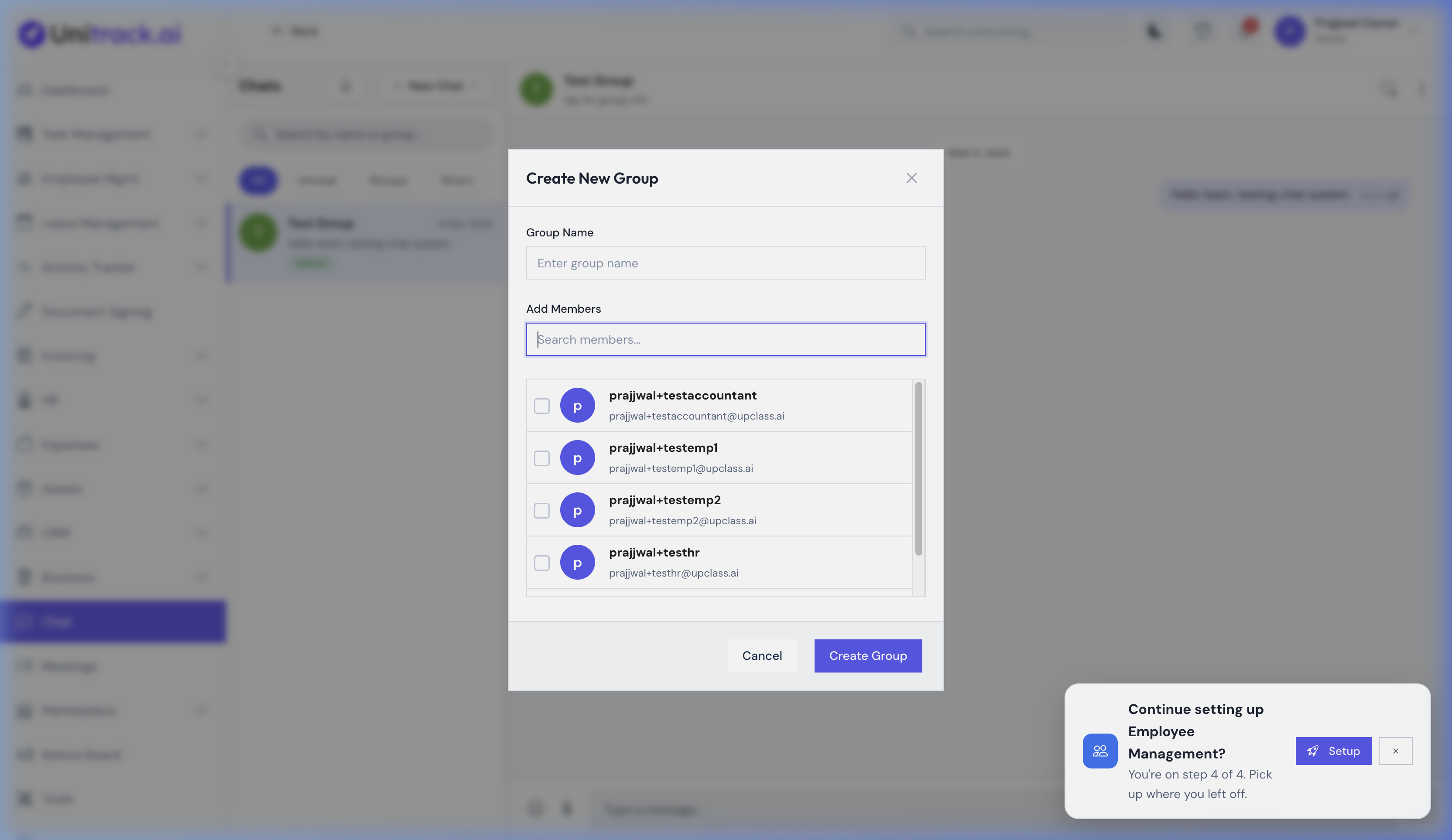
Start new conversations and build collaborative teams.
- 1Starting a New Chat
Click the new chat button to initiate a conversation. A modal will guide you through finding a coworker to send a 1-on-1 Direct Message.
- 2Group Chat Setup
When creating a group, you can designate a custom Group Name and search through the organization directory to intuitively add multiple members to the new collaborative space.