India Payroll Processing
Automate your entire payroll lifecycle from attendance syncing to full statutory compliance (PF, ESI, PT, and TDS). UniTrack's built-in payroll engine generates compliant payslips, manages employee tax declarations, scales with customized salary structures, and provides one-click bank remittance files to process payouts in seconds.
1. Creating Salary Components
Define the building blocks of your company's pay structures (Basic, HRA, Allowances, Deductions).
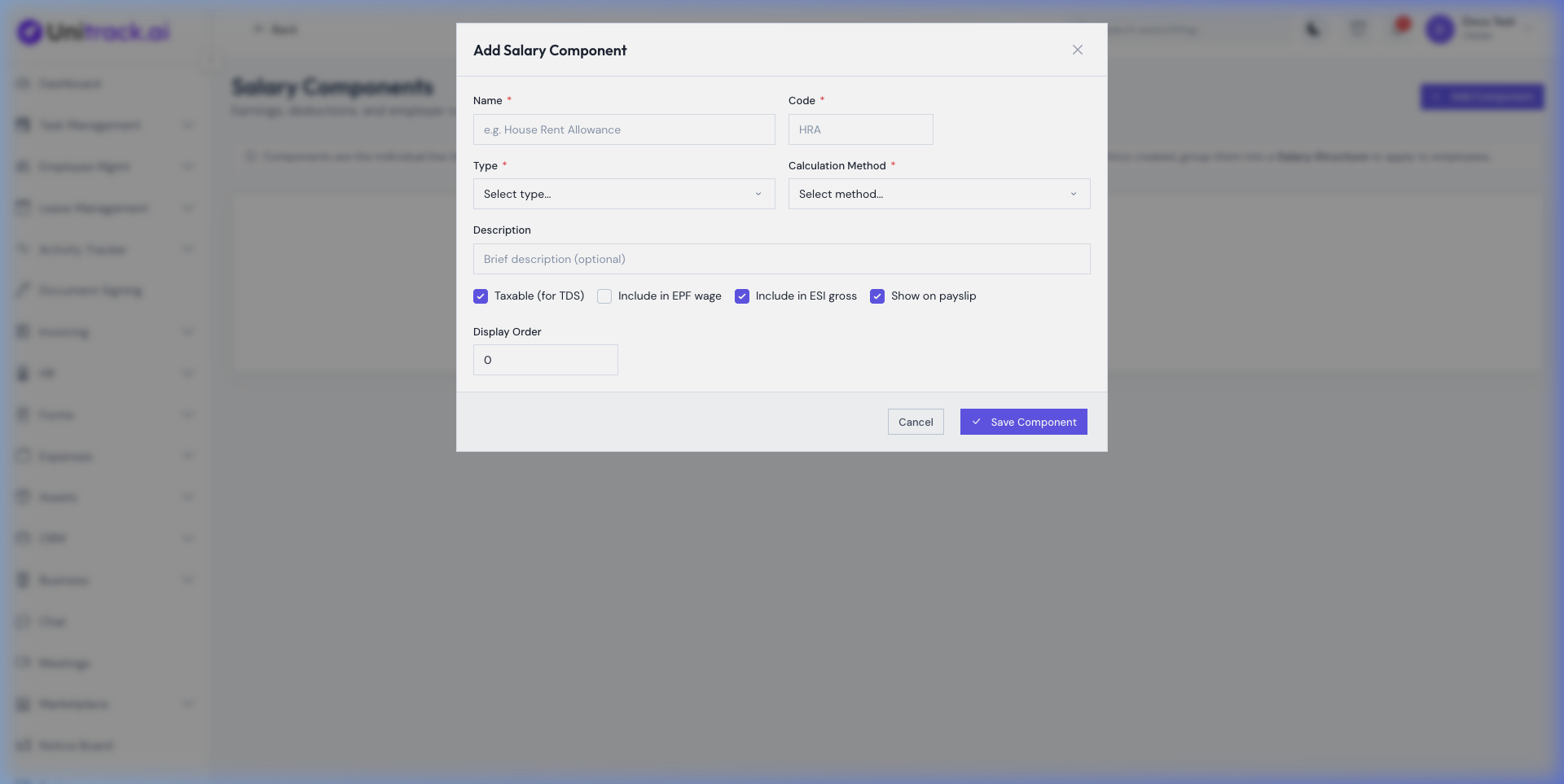
- 1Earnings vs. Deductions
From the Payroll dashboard go to Settings → Components. You can create customized Earnings (like Special Allowance) or Deductions. Check if the component is taxable.
- 2Calculation Types
Components can be Flat amounts, or calculated dynamically as a Percentage of another component (e.g., HRA as 50% of Basic). This automatically scales when employee salaries are bumped.
2. Assembling Salary Structures
Group components together to apply standardized pay scales across different tiers or departments.
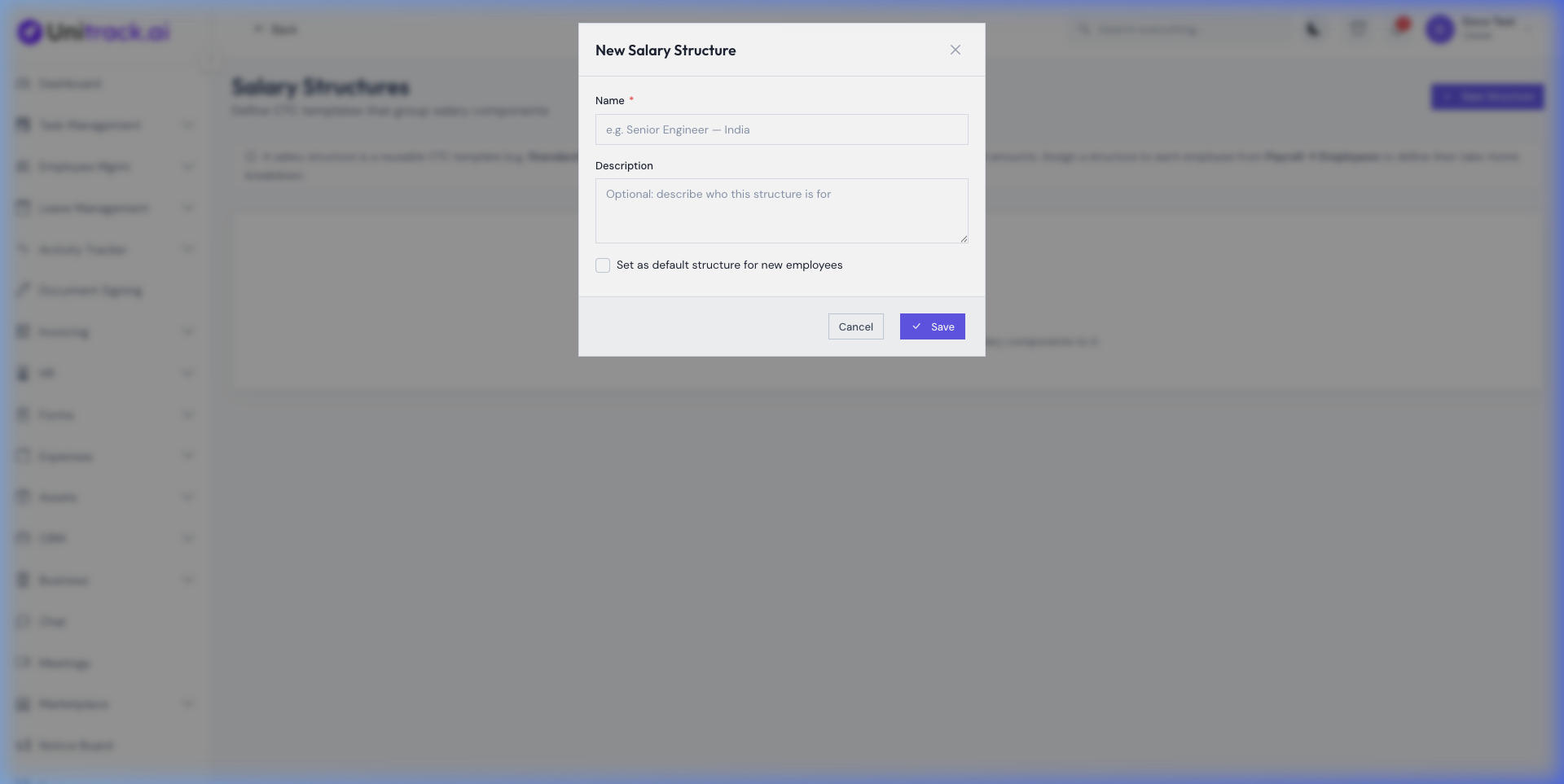
- 1Create the Template
Instead of manually entering line items for 50 different engineers, create a "Senior Engineer" Salary Structure linking Basic, HRA, and PF components.
- 2Assigning to Employees
When an employee is actively onboarded into Payroll, you simply assign them the appropriate Structure and enter their Annual CTC. The system automatically reverse-calculates the monthly breakdown.
3. Processing the Monthly Pay Run
Syncing LOP (Loss of Pay) days and generating the final ledger.
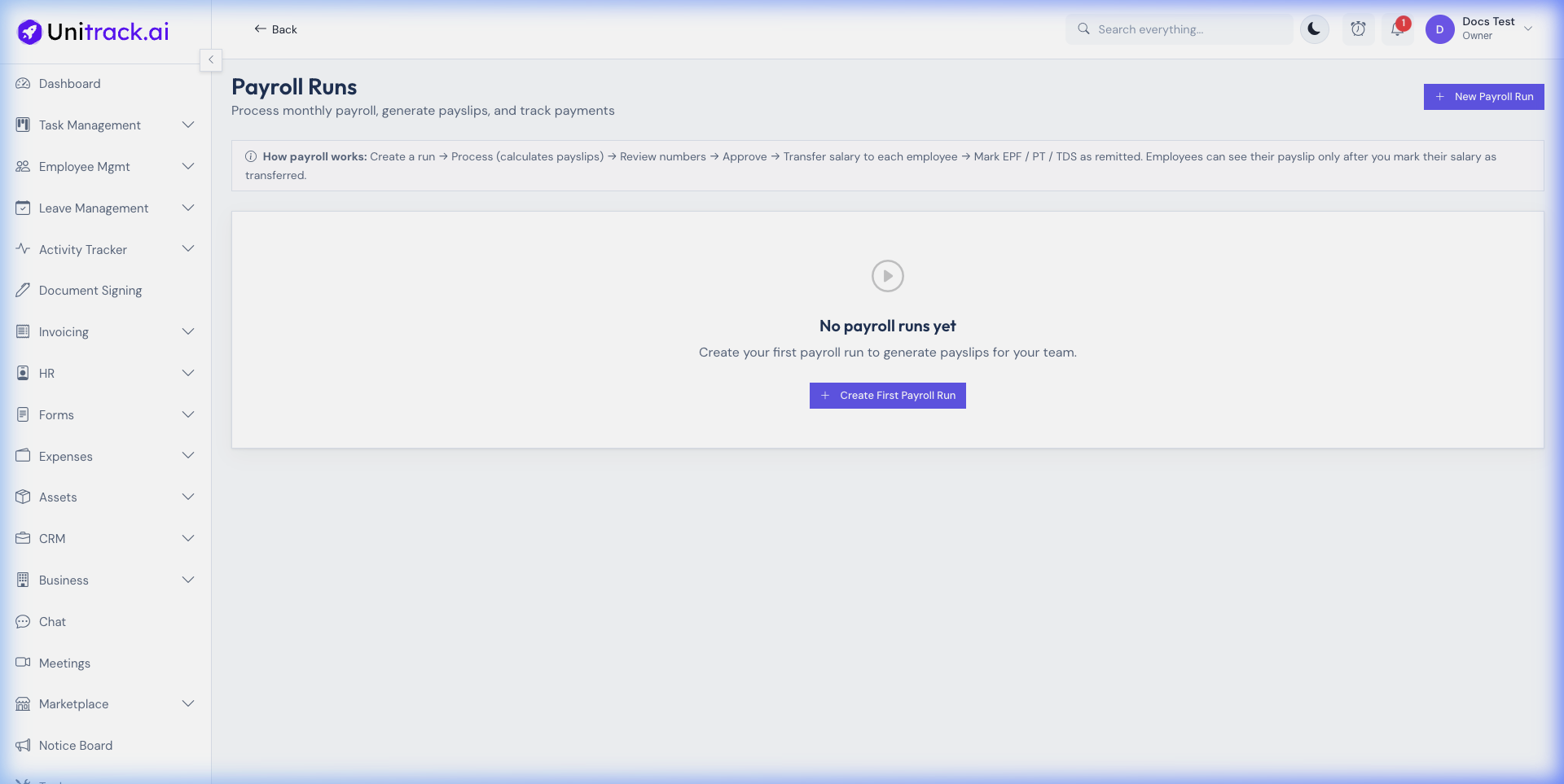
- 1Sync Attendance & Leaves
Start a new Pay Run for the month. The system automatically pulls approved leave data and detects Unpaid leaves (LOP days), reducing the Gross Pay proportionately for the month.
- 2Review and Approve
Review the generated payslips in "Draft" state. You can open any individual payslip to add one-time bonuses or manual adjustments. Once perfect, hit approve to lock the run.
- 3Disbursement & Remittance
Download the Bank Remittance CSV file to upload directly to your corporate banking portal. Click "Mark as Paid" to email all employees their official encrypted PDF payslips instantly.